“We Buy iPhones” ad templates
Graphics Studio makes buyback ads for phone buyers, repair shops and trade-in resellers who buy used and cracked iPhones. Pick a design, type your phone number and area, and download an image ready for Facebook Marketplace, OfferUp, Craigslist, Instagram or a printed flyer.
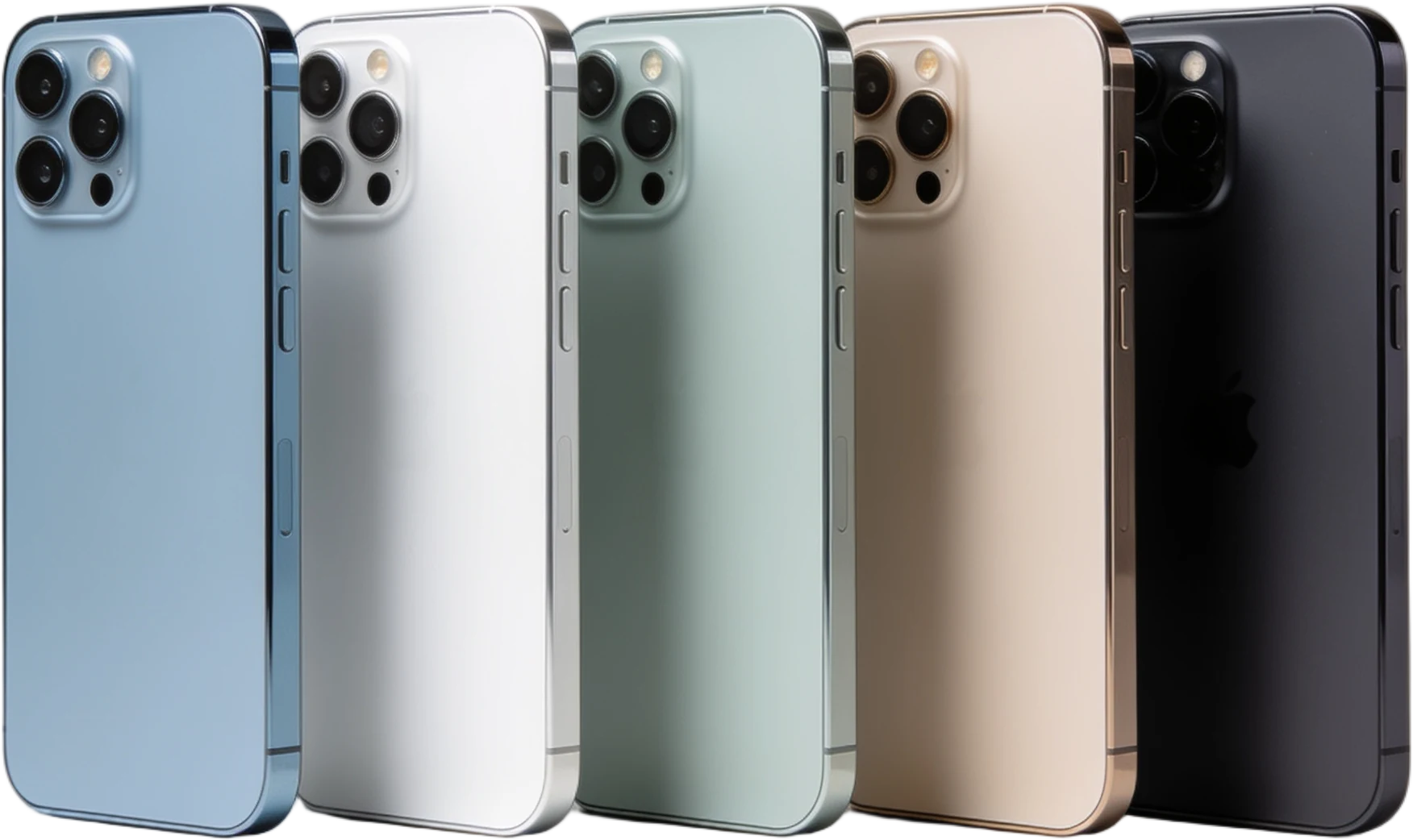
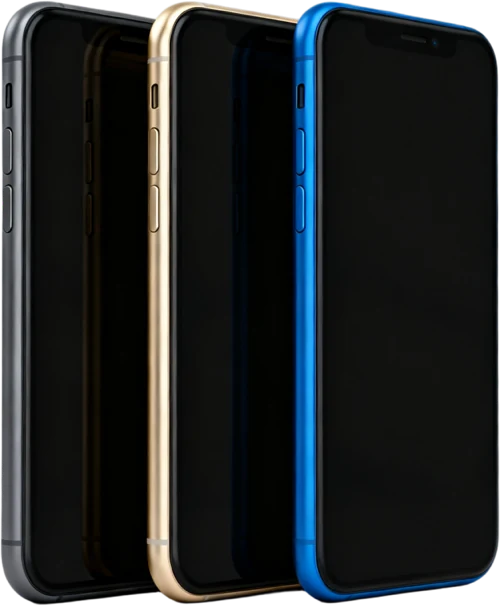
How it works
- Pick a design. Open the iPhones designs and click one. It opens in the studio with its colours, product picture and copy already in place.
- Type your details. Your phone number, website if you have one, and your ZIP or city. Save them once in your brand kit and every design fills them in.
- Download and post. Choose a size (square for feeds, 9:16 for stories, 8.5×11 for print) and download. Every iPhone design is on the free plan.
What to put on an iPhone buyback ad
- Which models you take, for example iPhone 11 and newer, every size.
- The conditions you take: cracked screens, locked to a carrier, not turning on.
- What the seller should send you: model, storage and carrier.
- How you pay, your phone number and your area.
Keep it to one headline, a few short selling points and one number. People scroll past an ad in a second; the ones that get texts are readable at a glance on a phone.
Questions
Are the iPhone templates free?
Yes. The iPhone designs are in the Phones & Devices category, and every design there is on the free plan. The free plan gives you 3 photo downloads a week at 1080 pixels with a BUYBACK.AD watermark; a paid plan removes the watermark and raises the limit.
Can I show a price on the ad?
You can type any headline or line of text you like. If you print a price, make sure it is one you will pay, because the ad is yours and so is the promise.
Is it free?
You can design without an account. Downloading needs a free account: 3 photo downloads a week at 1080 pixels with a BUYBACK.AD watermark. Starter is $25 a month for 100 photo downloads up to 2160 pixels, no watermark, every design. Pro ($60) adds video ads and 500 downloads a month; Business ($100) is unlimited.